
About QOS MSP
QOS MSP is the outsourced IT department for Indianapolis-area businesses - managed IT, cybersecurity, cloud, and IT leadership from one accountable team. Part of QOS, delivering IT since 2007.
Contact Info
- 17437 Carey Road, Suite 236, Westfield, IN 46074
- +1 (877) 800-7672
- info@qosmsp.com
- Monday-Friday, 8:00 AM - 5:00 PM
Outsourced Desktop Support
Desktop Support Services We Provide
Six core desktop support services for Indiana businesses that run on PCs, laptops, and mobile devices.
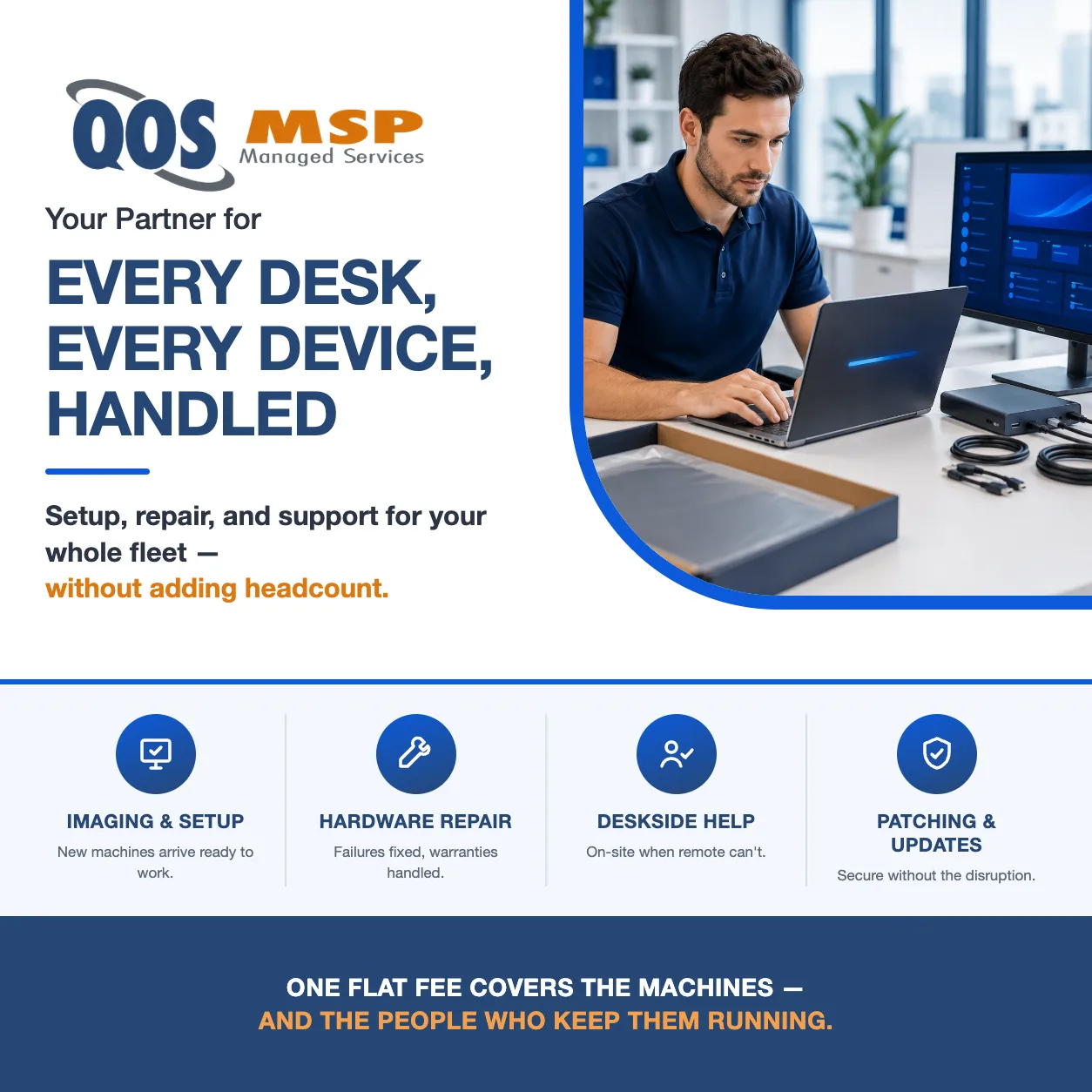
New-PC Setup & Imaging
Every new machine is imaged with your standard apps, settings, and security before it reaches the user's desk.
Hardware Repair & Replacement
We diagnose failed drives, screens, and boards, then handle the warranty claim or replacement end to end.
Deskside & On-Site Support
When remote won't cut it, a technician works the problem at the employee's desk.
Printer & Peripheral Support
Printers, scanners, docks, and monitors — installed, networked, and fixed when they stop cooperating.
OS Patching & Updates
Windows and macOS updates tested and pushed on a schedule, so machines stay secure without disrupting work.
Device Onboarding & Offboarding
New hires get a ready-to-work machine on day one; departing employees' devices are wiped, secured, and redeployed.
One In-House Technician vs. an Outsourced Team
Most 10–50-person businesses hit the point where the PC problems seem to justify "just hiring someone." Here is what that decision looks like next to outsourcing.
Hiring one desktop tech
- $56,000–$73,000 a year fully loaded
- Full salary for one-third utilization
- No coverage for PTO or sick days
- Still needs senior escalation help
Outsourcing to QOS MSP
- Flat per-user fee, all six IT roles
- Every PC, laptop, and mobile device covered
- Coverage that never takes a day off
- Senior engineers behind every escalation
The Desktop Support Role, Without the Desktop Support Hire
Desktop support is the job req that writes itself: laptops arriving in boxes nobody has time to set up, a printer that’s been down for a week, a hard drive failure that ate someone’s Tuesday. So a 10–50-person business drafts the posting — and commits to $45,000–$58,000 in base salary, $56,000–$73,000 fully loaded with taxes, benefits, and tools.
Here’s the math the job req skips: one desktop support technician can handle roughly 70–100 endpoints. A 25-person office — even counting shared workstations and conference-room machines — gives that hire about a third of a workload. You pay for a full-time role; you receive a part-time job, with a full-time salary attached and nobody to cover the two weeks a year they’re gone.
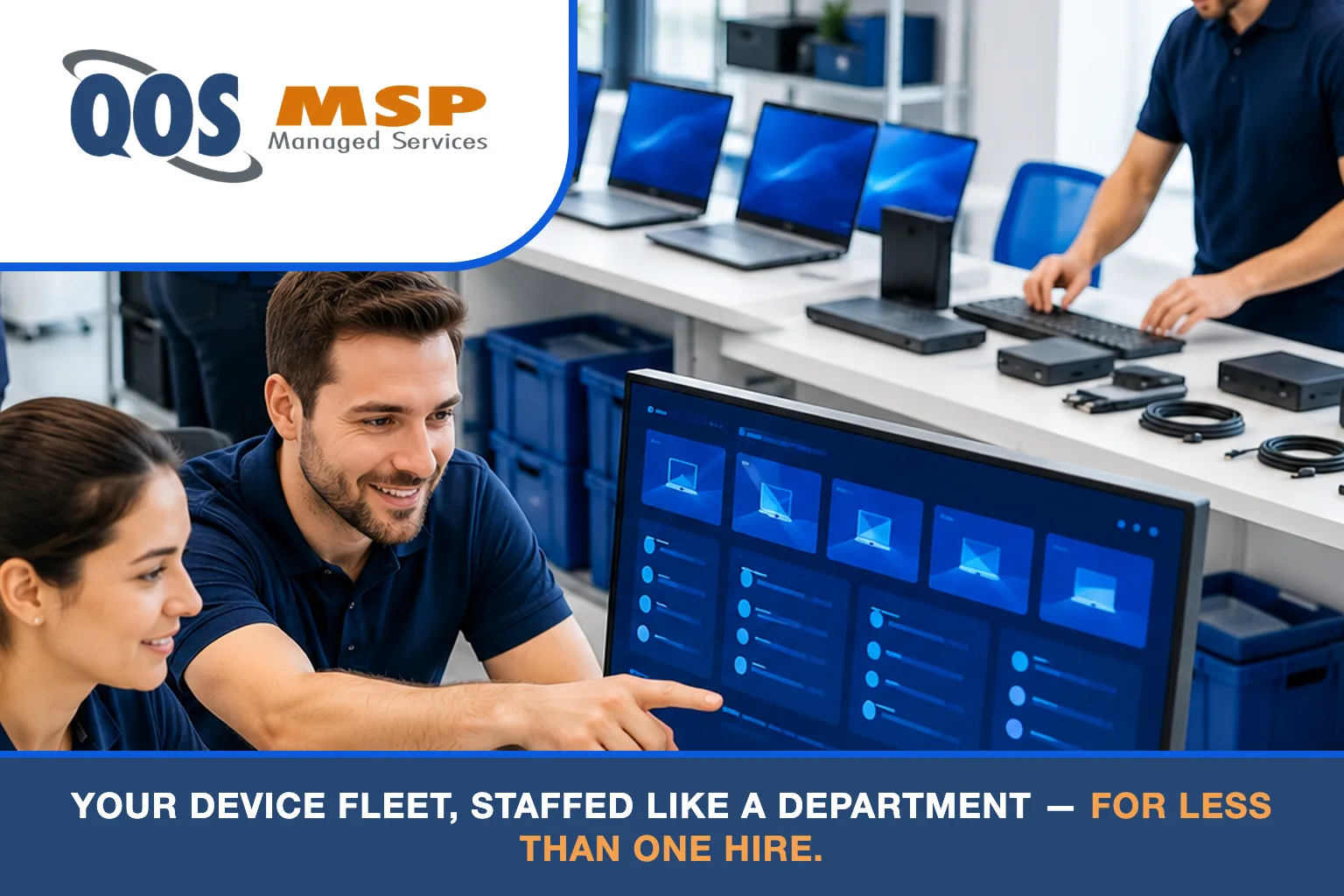
Outsourcing flips that ratio. Desktop support becomes one role inside your outsourced IT department — the same flat per-user fee also covers help desk, system administration, network management, security, and IT leadership. We do this work weekly across our client base: we image every new machine before it ships to the user’s desk, and hardware failures route to us, not to whoever in the office is “good with computers.”
Since 2007, QOS MSP has managed device fleets as part of complete IT support services for small and mid-sized businesses — the model exists precisely because the under-utilized single hire is the most common IT staffing mistake we see.
What Does Outsourced Desktop Support Include?
Outsourced desktop support is the management of a business's end-user devices — PCs, laptops, mobile devices, and peripherals — by an external IT provider, covering setup, imaging, hardware repair, patching, and deskside help for a flat monthly fee.
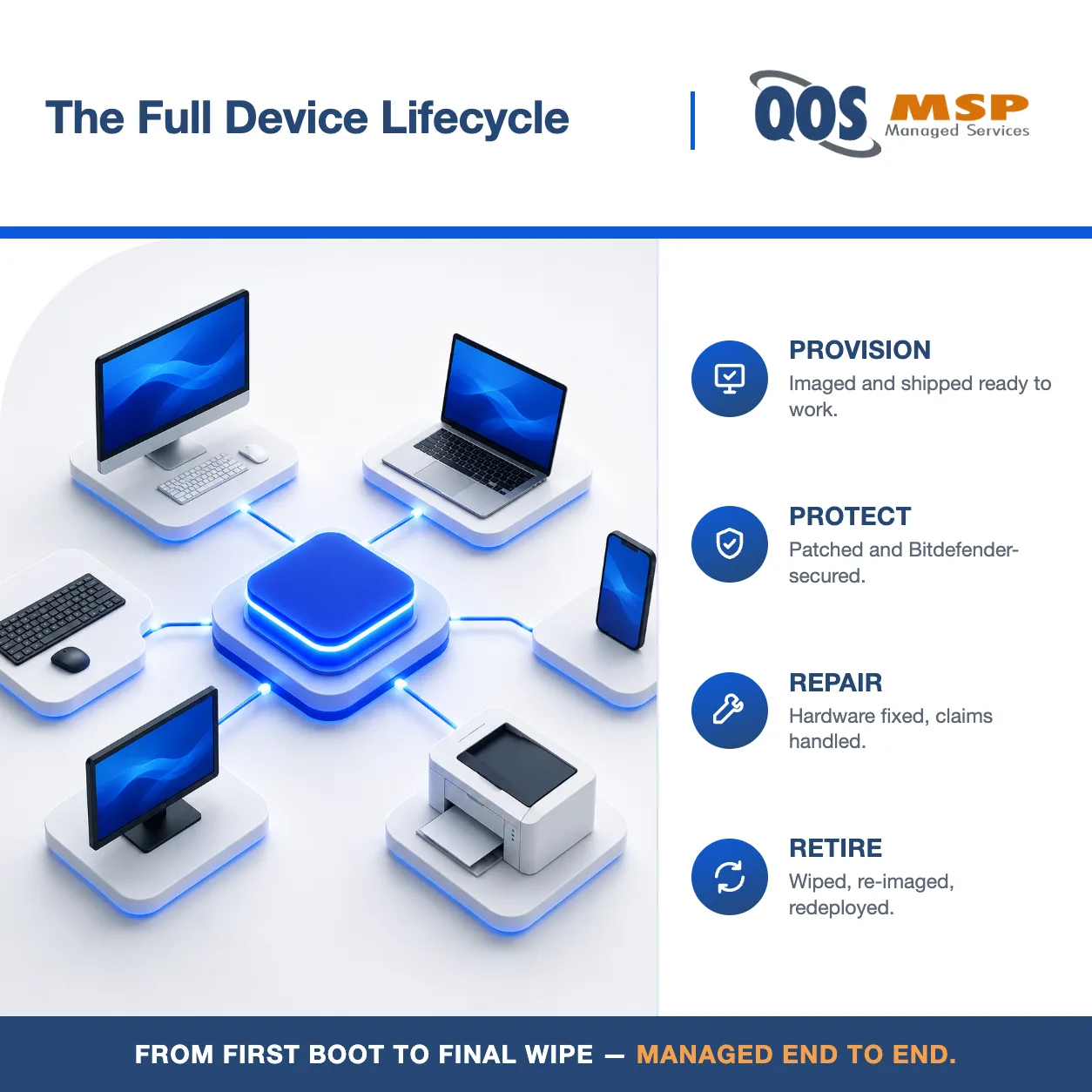
- New-computer imaging and standardized setup
- Hardware diagnosis, repair, and replacement
- Warranty and vendor claim management
- Printer, monitor, and peripheral support
- Windows and macOS patch management
- Deskside and on-site troubleshooting
- Device onboarding and offboarding
- Asset inventory and lifecycle tracking
One distinction worth knowing: help desk support answers your employees’ questions remotely — desktop support owns the devices themselves, from imaging and hardware failures to peripherals and deskside work. With QOS MSP, both come under the same per-user fee.
Why Indianapolis Businesses Outsource Desktop Support to QOS MSP
We've managed business device fleets since 2007. The process below isn't a brochure promise — it's what runs every week across our client base.
- Standardized imaging and full lifecycle management
- Hardware repair and warranty coordination, end to end
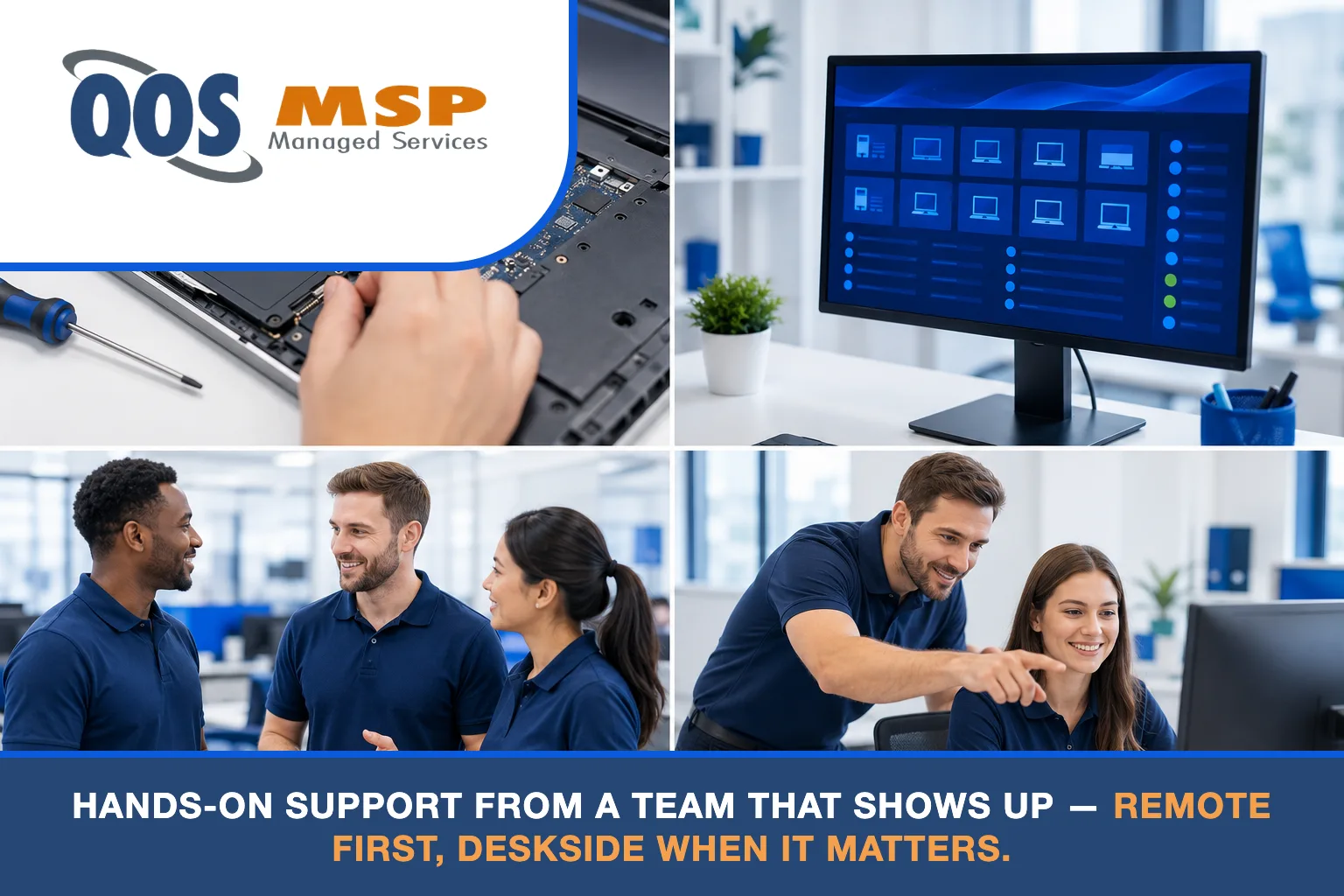
- Remote-first support with deskside visits when needed
- Bitdefender endpoint security on every managed device
How Much Does Outsourced Desktop Support Cost?
The honest comparison is a loaded salary against a per-user fee. Here's both, with nothing hidden.
| Option | Annual Cost | What You Get |
|---|---|---|
| Hire an in-house desktop technician | $56,000–$73,000 loaded ($45,000–$58,000 base) | One role, one person, PTO gaps |
| Outsource to QOS MSP (25 users + 10 shared/extra workstations) | $41,700–$62,700 across tiers | All six IT roles, every device, no coverage gaps |
The pricing model is simple: the per-user fee covers the person, their primary computer, and their mobile device — starting at $125 per user per month on the Core tier ($125 / $165 / $195 across the three tiers). Each additional computer or shared workstation is $35 per month. That’s how the 25-user example above works: 25 users plus 10 shared machines lands at $41,700–$62,700 a year depending on tier.
Two honest footnotes. The fee is management only — hardware purchases and software licensing are quoted separately at cost, so you’re never paying a markup buried in a bundle. And Bitdefender endpoint security is included on every managed device, not sold as an add-on. Full tier-by-tier detail is on our pricing page.
When Outsourced Desktop Support Is the Right Fit
The model fits a specific kind of business — and we'd rather tell you which kind up front.
- 10–50 employees and no dedicated IT staff
- A mixed fleet of desktops, laptops, and mobile devices
- Multiple locations or hybrid and remote workers
- Regular new-hire onboarding and hardware refreshes
The honest exception: past 100+ endpoints on a single campus — especially with heavy hardware churn or a plant floor — a full-time in-house technician starts earning their salary, and we’ll tell you so. Many companies at that size still pair the hire with outsourced system administration behind them, so the tech has senior engineers to escalate to.

Download the Outsourced IT Department Buyer's Guide
Deciding between a desktop support hire and outsourcing is chapter one of a bigger decision. The guide breaks down every IT role — what it costs to hire, what it costs to outsource, and how to build the right mix for a 10–50-person business.
Frequently Asked Questions About Outsourced Desktop Support
-
What is the difference between desktop support and help desk?
Help desk answers employees' questions and fixes software problems remotely; desktop support owns the physical devices — imaging new machines, repairing hardware, managing printers and peripherals, and working at the desk when needed. Most businesses need both, which is why QOS MSP includes both in one per-user fee.
-
How much does outsourced desktop support cost compared to hiring a technician?
An in-house desktop support technician costs $56,000–$73,000 a year fully loaded ($45,000–$58,000 base). Outsourced desktop support is included in QOS MSP's $125–$195 per-user monthly fee — a 25-person office with 10 extra workstations runs $41,700–$62,700 a year and gets every IT role, not just one.
-
Does outsourced desktop support include setting up new computers?
Yes. New-PC setup and imaging is core to the service — every new machine is imaged with your standard applications, settings, and security before it ships to the user's desk, so new hires start working on day one.
-
Who fixes hardware problems if we don't have an IT person?
Your provider does. When a drive, screen, or board fails, QOS MSP diagnoses the problem, handles the warranty claim or sources the replacement, and gets the employee back on a working machine — remotely where possible, at the desk when it isn't.
-
When does it make sense to hire in-house desktop support instead of outsourcing?
Once you pass roughly 100 endpoints on a single campus — especially with heavy hardware turnover or a plant floor — a full-time technician's salary starts to pay for itself. Below that, one technician can cover 70–100 endpoints, so a smaller office is paying a full salary for a fraction of the capacity.
-
What happens to a departing employee's computer and accounts?
The device is collected, wiped of company data, re-imaged, and returned to inventory for the next hire; accounts are disabled and access revoked the same day. Offboarding is part of standard desktop support with QOS MSP, not a billable project.