

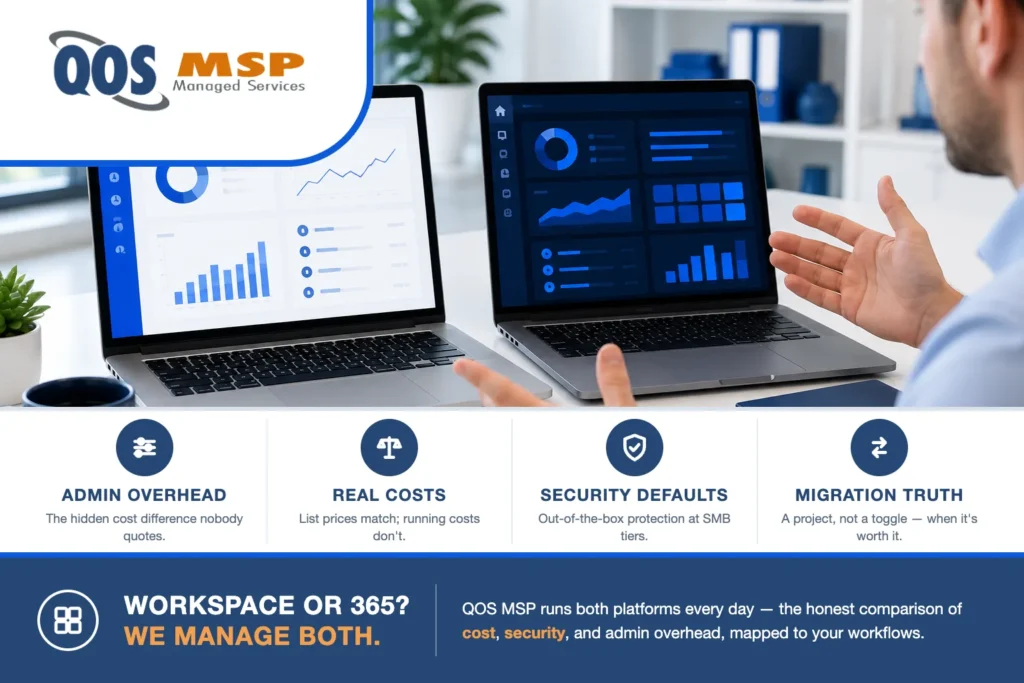
Here’s the answer nobody selling you either platform will give: for most small businesses, Google Workspace and Microsoft 365 are both excellent, the list prices are nearly identical, and the right choice depends on two questions — what does your team live in today, and does anything you run require Windows-native tooling? We manage both platforms daily (and lead with Google, which makes us the odd one out among Indiana MSPs), so this comparison includes the parts that usually get left off.
| Factor | Google Workspace | Microsoft 365 |
|---|---|---|
| Admin overhead | Lower — one console, sane defaults | Higher — more surface, licensing matrix |
| Collaboration | Native real-time editing | Strong, more file-centric |
| Excel & desktop apps | Sheets is lighter | Excel unmatched; full desktop suite |
| Security at SMB tiers | Stronger out-of-box defaults | Higher ceiling at paid tiers |
| Best fit | Browser-first, lean IT | Windows-centric, Office-habituated |
Where Google Workspace wins
- Administration is genuinely simpler. One clean admin console, sane defaults, fewer knobs to misconfigure. For a business without full-time IT, less surface area means fewer mistakes — this is the most underrated difference between the platforms.
- Real-time collaboration is native, not added. Docs/Sheets multi-user editing still feels a generation ahead; there’s no “which copy is current” problem because there are no copies.
- Lower malware surface. Attacks overwhelmingly target Windows-plus-Office workflows — macro documents, legacy protocols. A browser-first Workspace shop simply presents less to attack.
- Predictable licensing. Workspace’s tier list fits on a napkin. Microsoft’s licensing matrix is a professional specialty — that complexity is a real ongoing cost someone has to carry.
Where Microsoft 365 wins
- Excel. If your business runs on heavy spreadsheets — complex models, macros, Power Query — Sheets is not a substitute and pretending otherwise causes revolts.
- Desktop applications and Windows integration. Line-of-business apps in manufacturing, legal, construction, and healthcare often assume Office and Active Directory. If your critical software lists “Outlook integration” as a requirement, that’s your answer.
- Teams as a phone-and-meetings hub — deeply bundled, and if you want chat, video, and telephony in one vendor, the 365 bundle is hard to beat on price.
- Familiarity at scale. A 60-person office that’s used Outlook for 15 years can adopt 365 with near-zero retraining. Migration friction is a real cost; sometimes the best platform is the one your team already knows.
Which platform actually costs more?
Per-seat list prices are within a few dollars at every tier — comparing them is a distraction. The total-cost difference lives in administration: 365 environments generate more configuration surface, more security hardening work, and more licensing management. None of that is a criticism of Microsoft; it’s the price of flexibility. But when businesses ask why their “same-priced” platforms cost different amounts to run, that’s the answer. A concrete example of that surface: shared mailboxes quietly filling Outlook’s local cache until they stop syncing.
Security: defaults vs. ceilings
Microsoft’s security ceiling is higher — the E5-tier tooling is enterprise-grade and remarkable. But small businesses don’t buy E5. At the tiers SMBs actually purchase, Workspace’s out-of-the-box defaults are stronger relative to what a non-specialist will ever configure. The honest rule: a well-managed deployment of either beats a default deployment of both — which is, of course, the argument for having someone manage it.
The migration reality check
Switching platforms is a project, not a toggle: mail, files, calendars, shared drives, and — the part that determines success — retraining habits. It’s absolutely doable (we’ve moved businesses in both directions), but do it because a real requirement demands it, not because a comparison article had a winner. If you’re on one platform and it isn’t hurting, the highest-ROI move is usually hardening what you have.
Frequently asked questions
Is Google Workspace cheaper than Microsoft 365?
List prices are within a few dollars per seat; the real difference is running cost — 365 environments carry more admin and licensing overhead.
Can a business switch from Microsoft 365 to Google Workspace?
Yes — mail, files, and calendars migrate cleanly with planning. It is a project rather than a toggle, and worth doing only when a real requirement drives it.
Which is more secure, Google Workspace or Microsoft 365?
At the tiers small businesses buy, Workspace defaults are stronger out of the box; Microsoft ceiling is higher at enterprise tiers. A well-managed deployment of either beats defaults on both.
Our take
We lead with Google — simpler to administer well, less attack surface, and honest pricing — and we run both suites daily under our managed Microsoft 365 services and Google Workspace administration. But “an MSP that only fits one answer sells that answer”; the requirements above decide, not the vendor preference. If you’re weighing the two for your business, we’ll map your actual software and workflows against both — including telling you when Microsoft is the right call. Start here.
