

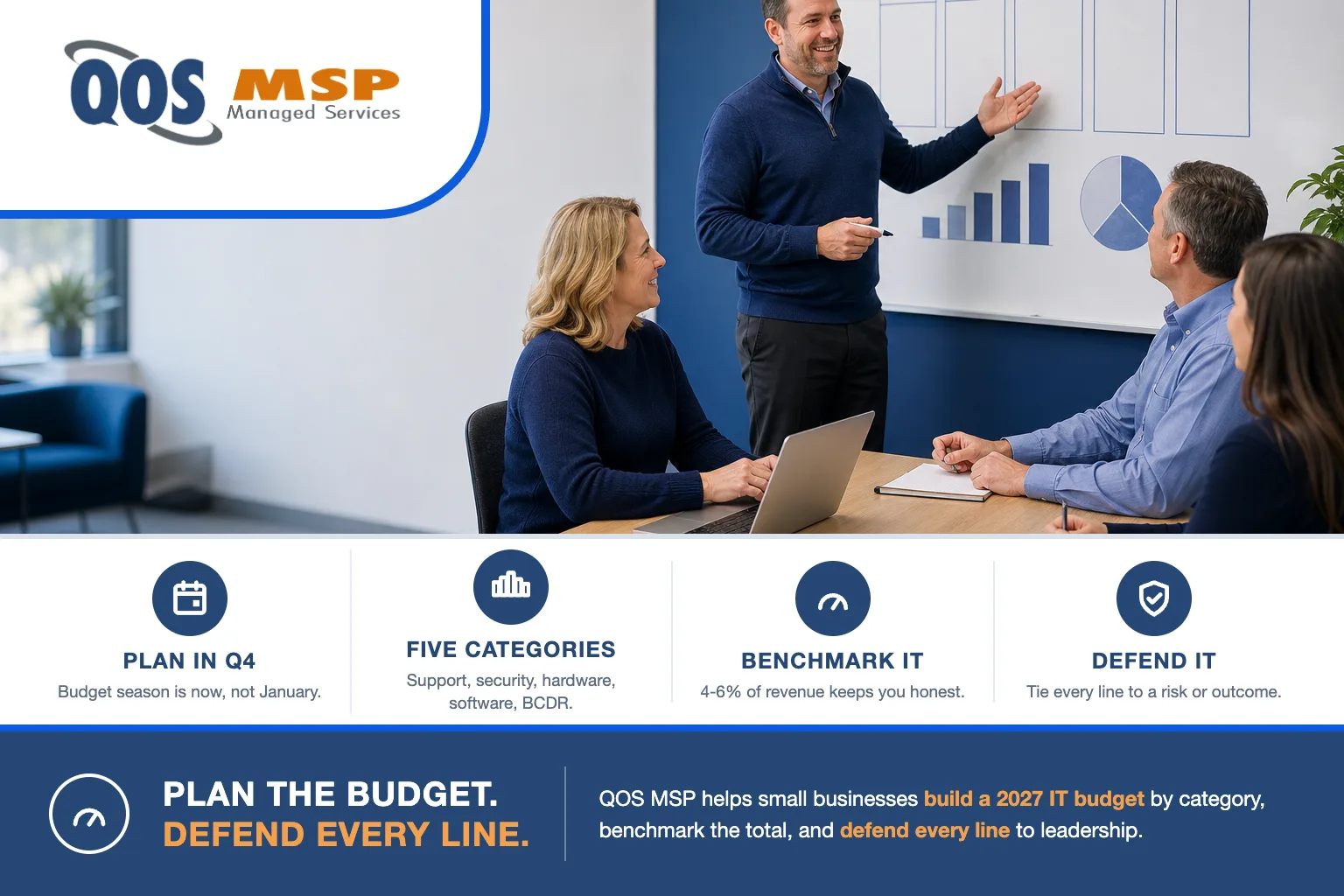
Build your small business IT budget for 2027 in Q4 2026 around five categories — support, security, hardware lifecycle, software licensing, and backup/continuity — then benchmark the total against the 4% to 6% of revenue that most small businesses commonly spend on IT. Fund each category deliberately instead of inheriting last year’s line items.
Why does 2027 IT budget planning start now?
Q4 is budget season. Renewal quotes for software, insurance, and support land in October through December, which makes the last quarter of 2026 the natural window to set your 2027 number — while the figures are in front of you and before finance locks the plan.
Wait until January and you don’t get a blank page. You get last year’s line items rolled forward, plus whatever surprises the year already scheduled: an expiring warranty, a fleet of PCs that can’t run Windows 11, a cyber-insurance renewal with new control requirements. Planning now turns those from emergencies into line items. That’s the whole point of a framework — every predictable cost gets a home before it becomes a fire drill.
How much should a small business spend on IT?
There is no single correct number, but there are commonly cited benchmarks you can triangulate against. Run all three below and see whether your draft budget lands in a sane zone. If your total is far under the low end, you’re probably carrying hidden risk; far over the high end, you’re likely paying for tiers or tools you don’t use.
| Benchmark approach | Commonly cited figure | When it fits |
|---|---|---|
| Percentage of revenue | 4% to 6% of gross revenue | Most small businesses running standard office IT |
| Percentage of revenue (regulated or multi-site) | 8% to 12% of gross revenue | Healthcare, finance, and legal; or several locations to support |
| Per employee | $1,000 to $3,500 per employee, per year | Sanity-checking the revenue figure headcount-first |
These are starting points, not targets. A 20-person professional-services firm and a 20-person medical practice have very different floors because regulation and downtime cost more in one than the other. For real, itemized numbers on the managed-services piece specifically, see our breakdown of what managed IT services actually cost.
What categories belong in a small business IT budget?
A durable small business IT budget is built from five categories. Give each one its own line so nothing hides inside another. The most expensive budgeting mistake is assuming one payment — usually the managed-services fee — covers everything.
| Category | What’s in it | Budget note |
|---|---|---|
| Support & management | Help desk, monitoring, patching, and the managed-services fee for the labor that keeps systems running. | A management fee covers labor only — hardware and software licensing are never inside it and belong on their own lines. |
| Security | Endpoint detection (EDR), multifactor authentication, email filtering, security-awareness training, and your cyber-insurance premium. Social-engineering attacks now bypass old defenses. | Fund the controls carriers require — see cyber-insurance requirements. Under-funding here shows up as a claim denial, not a line item. |
| Hardware lifecycle | The replacement reserve: laptops, desktops, servers, and network gear on a planned refresh cycle instead of replaced only when they fail. | The 2026–27 forcing event is Windows 10 end of support — machines that can’t run Windows 11 need replacing on a schedule you set, not a schedule a breach sets. |
| Software & licensing | Microsoft 365 or Google Workspace seats, line-of-business applications, and per-seat SaaS subscriptions. | Licensing is always its own line and is never bundled inside a management fee. Count seats honestly — per-user costs scale with headcount. |
| Backup & continuity (BCDR) | Designing recovery, agreeing RTO/RPO, monitoring, and testing restores — plus the backup, DR, and continuity distinction. | The continuity service can be included in a managed plan; the systems it runs on (a second site, standby cloud capacity, backup storage) are a separate line you pay for directly. |
One caveat we repeat with clients because it saves them a painful surprise: any device or management rate you’re quoted is typically management only. The hardware itself and the vendor licensing that runs on it are billed separately. Budget them as their own lines from the start.
CapEx or OpEx — which should you favor?
Most small businesses now lean OpEx, and for a good reason: predictability. Subscriptions, a flat monthly managed-services fee, and device-as-a-service turn lumpy capital outlays into an even monthly number that’s easy to forecast, easy to defend, and easy to scale up or down as headcount changes. Cash stays free for the business instead of tied up in depreciating hardware.
But CapEx still wins in specific cases. When you have cash on hand and you’re buying a durable asset you’ll keep five years — a server, core network gear — owning it outright can beat renting it monthly, and the depreciation may help your tax position. The honest answer for most businesses is a blend: OpEx for anything that changes with your team (seats, support, security tooling) and CapEx for the stable, long-lived boxes. Don’t force everything into one column to look tidy.
How do you defend the budget to leadership?
A small business IT budget gets approved when leadership can see what each dollar buys. The cleanest way to present it is the run / grow / transform split:
- Run — keep the lights on: support, patching, licensing, backups. This is non-negotiable and should be the largest slice.
- Grow — capacity for what’s coming: seats for new hires, a new location, more storage.
- Transform — projects that change how the business works: a cloud migration, a security-program upgrade, a phone-system replacement.
Then tie every line to a risk or an outcome. “EDR and tested backups” is a hard sell as a line item; “the controls that keep our cyber-insurance claim from being denied” is not. The most persuasive framing is the cost of the outage the spend prevents — downtime, lost billing, breach recovery, and reputational damage almost always dwarf the tool that would have prevented them. For the real dollar figures behind that argument, point to our managed IT cost breakdown, and if leadership is weighing an internal hire, our in-house vs. managed IT cost comparison lays the two side by side.
What can you safely cut — and what you can’t?
Budget candor matters more than a lower number. Some line items are genuinely optional at 10 to 100 employees, and some are a floor you cross at your peril. Here’s how we talk it through with the Indianapolis businesses we support.
Reasonable to trim or skip at 10–100 employees:
- A dedicated 24/7 security operations center when a managed EDR service already provides monitored response.
- Overlapping tools — two backup products, three “dashboards,” a premium tier whose extra features nobody uses.
- On-prem servers you keep only out of habit; many workloads move to cloud for less than the refresh cost.
- Top-tier hardware for every role — match the machine to the job instead of buying the flagship across the board.
The non-negotiable floor — cut these and you’re not saving money, you’re deferring a bill:
- Multifactor authentication on everything that faces the internet.
- Endpoint detection and response on every device — something we deploy and tune weekly, because plain antivirus no longer clears the bar.
- Tested, offsite backups with a dated restore test — an untested backup is a hope, not a control.
- Patching and a hardware-replacement reserve — the two lines businesses skip first and regret most.
- One accountable owner for IT, internal or outsourced. “Everyone and no one” is how gaps grow.
Frequently asked questions
How much should a 20-person business budget for IT in 2027?
A 20-person business typically lands between 20,000 and 70,000 dollars per year, using the commonly cited 1,000 to 3,500 dollars per employee range. Standard office IT sits near the low end, while regulated or multi-site operations trend higher. Cross-check that figure against 4 to 6 percent of your gross revenue.
Should small business IT spend be capex or opex?
Most small businesses favor opex because subscriptions and a flat managed-services fee make monthly costs predictable and easy to forecast. Capex still wins when you have cash on hand and are buying durable assets like servers you will keep for five years. Many budgets blend both.
What is the most commonly forgotten IT budget line?
The hardware-replacement reserve. Businesses tend to buy new laptops only when one dies, then face a surprise bill. The Windows 10 end of support in October 2025 is forcing many small businesses to replace or upgrade PCs in 2026 and 2027, so set aside a yearly refresh amount now.
Does cyber insurance belong in the IT budget?
The premium usually sits in the insurance or finance budget, but the security controls carriers require live in the IT budget. Multifactor authentication, endpoint detection, and tested backups are what qualify you for coverage and keep premiums down, so plan and fund them together.
Does a managed services fee cover the whole IT budget?
No. A managed services fee covers management and labor only, such as help desk, monitoring, and patching. Software licensing, hardware purchases, and the infrastructure that backup and continuity run on are separate line items. Treat the managed fee as one category, not the entire budget.
Where to start
Start with the five categories and a benchmark, then fill in real numbers. To make that faster, grab the Managed IT Budget Worksheet on our pricing page — it lays out the same categories as a fillable planner so you can build a total you can defend. QOS MSP has delivered managed IT since 2007, and we’d rather help you plan a realistic small business IT budget than sell you a tier you don’t need.
Want a second set of eyes on the draft, or a benchmark check for your industry and headcount? Talk to us — a short planning conversation costs nothing and usually surfaces a forgotten line or two.
