

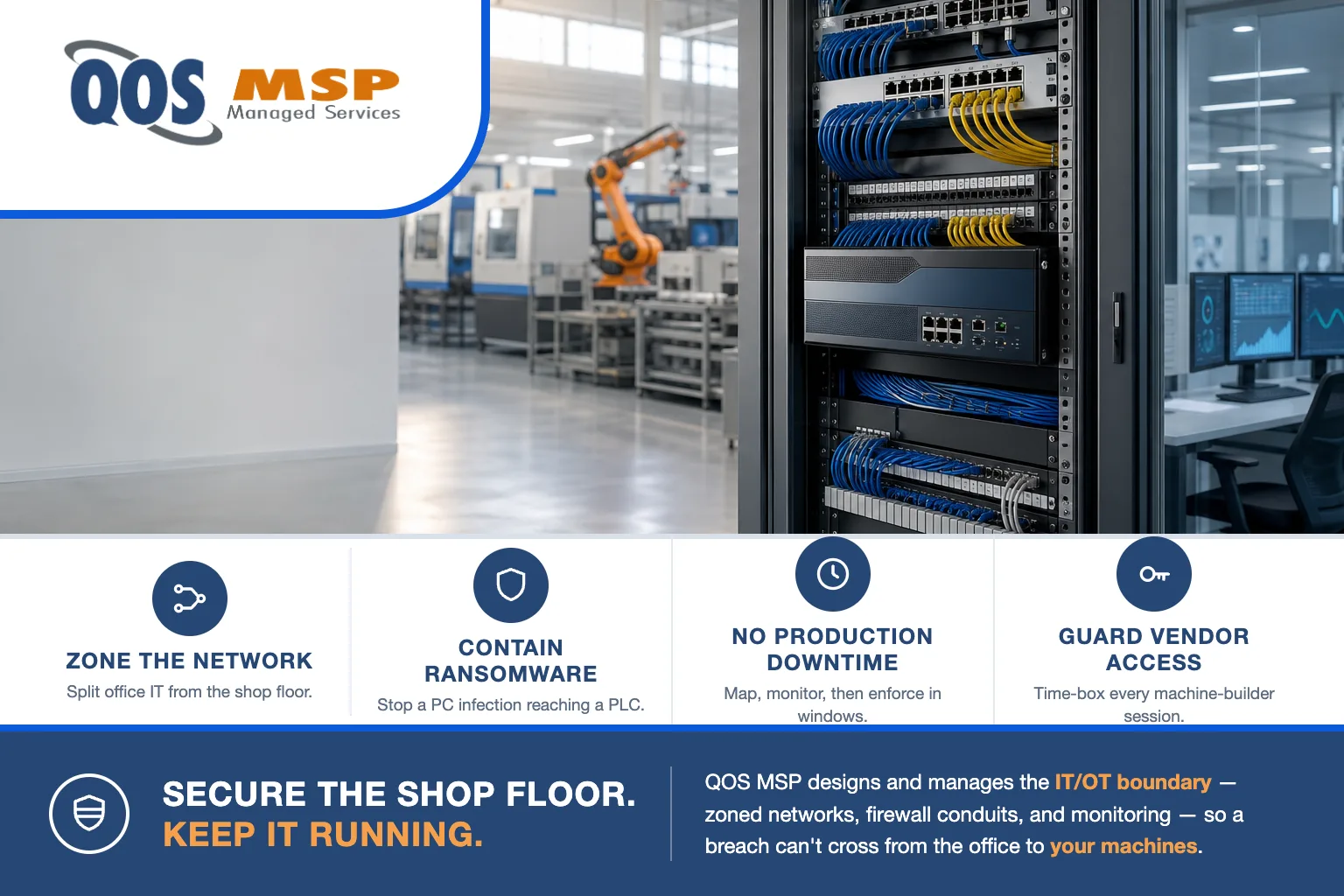
IT/OT network segmentation splits a manufacturing network into isolated zones — office IT, ERP, production/OT, legacy equipment, cameras, and guest — so ransomware on an office PC can’t reach a PLC. Done in stages with an industrial firewall, it never requires stopping production.
Why is a flat shop-floor network dangerous?
On a flat network, every device shares one address space — the accounting PC, the shared drive, the IP cameras, and the PLC controlling a stamping press all sit on the same LAN with nothing between them. That is convenient to set up and quietly catastrophic to run.
The problem is blast radius. When a phishing email lands on an office laptop and drops ransomware, the malware doesn’t stop at the office. On a flat network it spreads sideways to every reachable device — and a modern CNC controller or HMI running an old Windows build is exactly the kind of reachable device that gets encrypted or knocked offline. We’ve walked into shops where a single infected front-office machine idled the entire production line for days, not because the attacker targeted the machines, but because nothing stopped them from being collateral damage. That is now the dominant pattern: ransomware hit 747 manufacturers last quarter without touching a single PLC — encrypting the IT side was enough to stop production. If you want to see how that plays out hour by hour, our guide on what to do after a ransomware attack walks the response timeline.
The same flat design also exposes your engineering IP. CAD files, tool paths, and program libraries sit on a share any compromised device can browse. Zoning the network is the first structural control that keeps a foothold in one place from becoming a whole-plant event — and it pairs directly with how you protect CAD files and engineering IP.
What zones should a manufacturing network have?
Good segmentation groups devices by what they do and who they trust, then controls every path between the groups. A practical shop-floor design uses seven zones. Each has a clear job and a short list of what it is allowed to talk to — everything else is denied by default.
| Zone | What lives there | What it may talk to |
|---|---|---|
| Office IT | Laptops, desktops, printers, managed endpoints | Internet, email/cloud apps, ERP (app ports through the firewall), print |
| ERP / finance | ERP, accounting, and financial data servers | Office IT clients on app ports and backups only — no direct path to the shop floor |
| Production / OT | PLCs, HMIs, SCADA, CNC and robotic controllers | Only the MES/historian and OT services it needs; default-deny to everything else |
| Legacy equipment | Older machines on unpatched Windows or fixed controllers | Nothing outbound; one tightly scoped path to a single server or historian |
| Cameras / IoT | IP cameras, badge readers, sensors, smart devices | Their own recorder/controller only — no internet, no office, no OT |
| Guest Wi-Fi | Visitor and personal phones and laptops | Internet only, fully isolated from every internal zone |
| Vendor access | Machine-builder laptops and remote-support sessions | One assigned machine, time-boxed and logged — nothing else |
The pattern that matters: the office can never reach a controller directly, and a controller can never reach the internet. Traffic that must cross a boundary — say, the office reading a production dashboard — goes through a specific, allowed rule, not an open lane. That second rule is not hypothetical — CISA confirms attackers are actively logging into internet-exposed PLCs, so any controller with a path to the internet is already being scanned.
How do you do IT/OT network segmentation without disrupting production?
This is the fear that keeps shops on a flat network: “If you start blocking traffic, you’ll stop a machine.” Valid concern, avoidable outcome. The trick is that you never enforce a rule you haven’t proven first. IT/OT network segmentation is done in three staged steps:
- Map the traffic. Put an industrial firewall or a monitoring span in place and watch, in listen-only mode, what actually talks to what. You learn that the historian polls twelve PLCs, that one machine phones a vendor server nightly, that a “spare” PC is quietly running a license dongle — the real dependencies, not the diagram on the wall.
- Monitor and model. Turn the observed traffic into conduit rules — the specific, allowed flows between zones. Nothing is blocked yet; you validate the model against a full production cycle, including the monthly and quarterly jobs that don’t show up in a week of watching.
- Enforce in windows. Switch the firewall from monitor to default-deny one boundary at a time, during scheduled maintenance windows, starting with the least-risky zones (guest, cameras) and moving toward production last. If anything unexpected trips, you’re in a window with a known rollback, not mid-run on a live press.
Done this way, segmentation is invisible to the floor. The machines see the same traffic they always did — the firewall just stops permitting everything else. This is core network security and ongoing network administration work, and it’s the kind of change we stage weekly.
Why can’t you secure OT like office IT?
Office IT security assumes you can patch and reboot. You push an update Tuesday night, machines restart, everyone’s fine Wednesday. None of that holds on the shop floor.
- You can’t reboot a press mid-run. On OT, availability outranks everything — a patch that drops a controller for ninety seconds can scrap a batch or halt a shift. Updates happen on the machine builder’s schedule, in planned downtime, if at all.
- Machines live 15 to 25 years. A controller commissioned in 2009 is still earning its keep, still running the OS it shipped with, and will never get another security update.
- Legacy protocols have no authentication. Many industrial protocols were designed for a trusted, isolated network and send commands with no identity check — anything that can reach the device can command it.
So the OT security model inverts the office one. You can’t harden the endpoint, so you isolate what you can’t patch: put the unpatchable machine in a zone by itself, allow only the one flow it truly needs, and make the network the control the device can’t be. IT/OT network segmentation isn’t a nice-to-have on OT — it’s the substitute for patching.
Who gets remote access to your machines?
Ask a plant manager who can remotely reach the shop floor and you’ll usually hear “just us.” The honest answer is often longer: the press builder, the robot integrator, the vision-system vendor, and the MES provider may all have standing remote-access paths into their equipment — installed at commissioning, documented nowhere, and never reviewed.
Machine-vendor VPNs are the forgotten back door. Each one is a tunnel from an outside company straight to a device on your floor. If that vendor gets breached, their access becomes the attacker’s access — and because it was set up as “always on, full reach,” it often lands them right next to your controllers. This isn’t hypothetical; third-party remote access is a recurring root cause in OT incidents.
Segmentation fixes this by design. Each vendor gets a dedicated access zone that reaches exactly one machine, is time-boxed (opened for a support session, closed after), and is logged so you have a record of who connected, when, and to what. The vendor still supports their equipment; they just no longer hold a permanent key to your whole plant. Governing those accounts is part of ongoing security administration.
What does an MSP own vs. what stays with your machine vendors?
IT/OT network segmentation touches equipment we don’t program, so the line has to be clear. Here’s how we draw it at QOS MSP.
What QOS MSP owns: the IT network and the IT/OT boundary — designing the zones, deploying and managing the industrial firewall and switches, writing and maintaining the conduit rules, securing and monitoring vendor remote access, protecting and monitoring the Windows-based endpoints on the floor (HMIs, engineering workstations), and watching the whole boundary for anomalies. In short, the network your machines plug into, and the wall between the office and the floor.
What stays with your machine vendors: the machines themselves. The PLC and controller logic, the MES and SCADA software, machine-vision and robotics programming, firmware, and any building-automation or process-control system — those are the OEM’s or integrator’s domain. We design the network so that equipment is safe and reachable in the ways it must be; we don’t write ladder logic or run the MES, and any MSP that claims to should worry you.
That division is the whole point of doing it together. Your machine builders know their equipment; we know the network and the security boundary. Segmentation is where those two responsibilities meet cleanly — and recovery planning lives here too, since a zoned network is what makes a clean restore possible (see backup vs. disaster recovery vs. business continuity).
Frequently asked questions
What is IT/OT network segmentation?
IT/OT network segmentation divides a manufacturing network into separate zones — office IT, ERP, production and OT, cameras, and guest — with a firewall controlling the traffic between them. The goal is that a compromise in one zone, like ransomware on an office laptop, cannot reach the PLCs and controllers running the shop floor.
Does segmenting the network require production downtime?
No. The work is staged so machines keep running. You first map and monitor existing traffic in a listen-only mode to learn what actually talks to what, then enforce the new firewall rules in scheduled maintenance windows one zone at a time. Nothing is cut over blind, so production does not have to stop to segment the network.
Is a VLAN enough to separate the shop floor from the office?
Not by itself. A VLAN separates traffic into different logical networks, but it does not decide what may cross between them. A firewall placed between the VLANs is what enforces the rules and blocks a threat from jumping zones. You need both: VLANs to divide the network and a firewall to police the boundaries.
What is the Purdue model, and does a small manufacturer need all of it?
The Purdue model is a reference design that stacks an industrial network into layers, from business systems at the top down to sensors and controllers at the bottom, with each layer only talking to the ones next to it. A small manufacturer does not need the full formal architecture, but does need the principle: layered zones with no horizontal jump from the office straight to a machine controller.
Does cyber insurance require network segmentation?
Increasingly, yes. Segmentation is showing up on the security questionnaires manufacturers complete to bind or renew a cyber policy, alongside MFA, backups, and endpoint protection. Answering those questions honestly matters, because a misstatement can jeopardize a claim. Our guide to small-business cyber insurance requirements covers the full list.
Where should a manufacturer start?
Match the effort to the plant. A five-person shop with two standalone CNCs does not need a formal DMZ and a Purdue diagram — it needs a VLAN to lift those machines off the office network and one firewall rule that keeps them there. Start with the single change that shrinks the blast radius most, then add zones as the floor grows. Over-engineering segmentation for a small shop wastes money you’d rather spend on backups and MFA.
Larger or regulated plants earn the full zoned design — especially as segmentation increasingly appears on cyber insurance attestations for manufacturers. Wherever you land, the sequence is the same: map what talks to what, model the conduits, enforce in windows, and keep the IT/OT boundary monitored.
QOS MSP designs and runs the network and security boundary for manufacturers nationwide — the IT side and the wall to the shop floor, working alongside your machine vendors, never over top of them. If your office and your machines share one flat network today, that’s the place to start. Talk to us and we’ll map your traffic before we change a single rule.
