

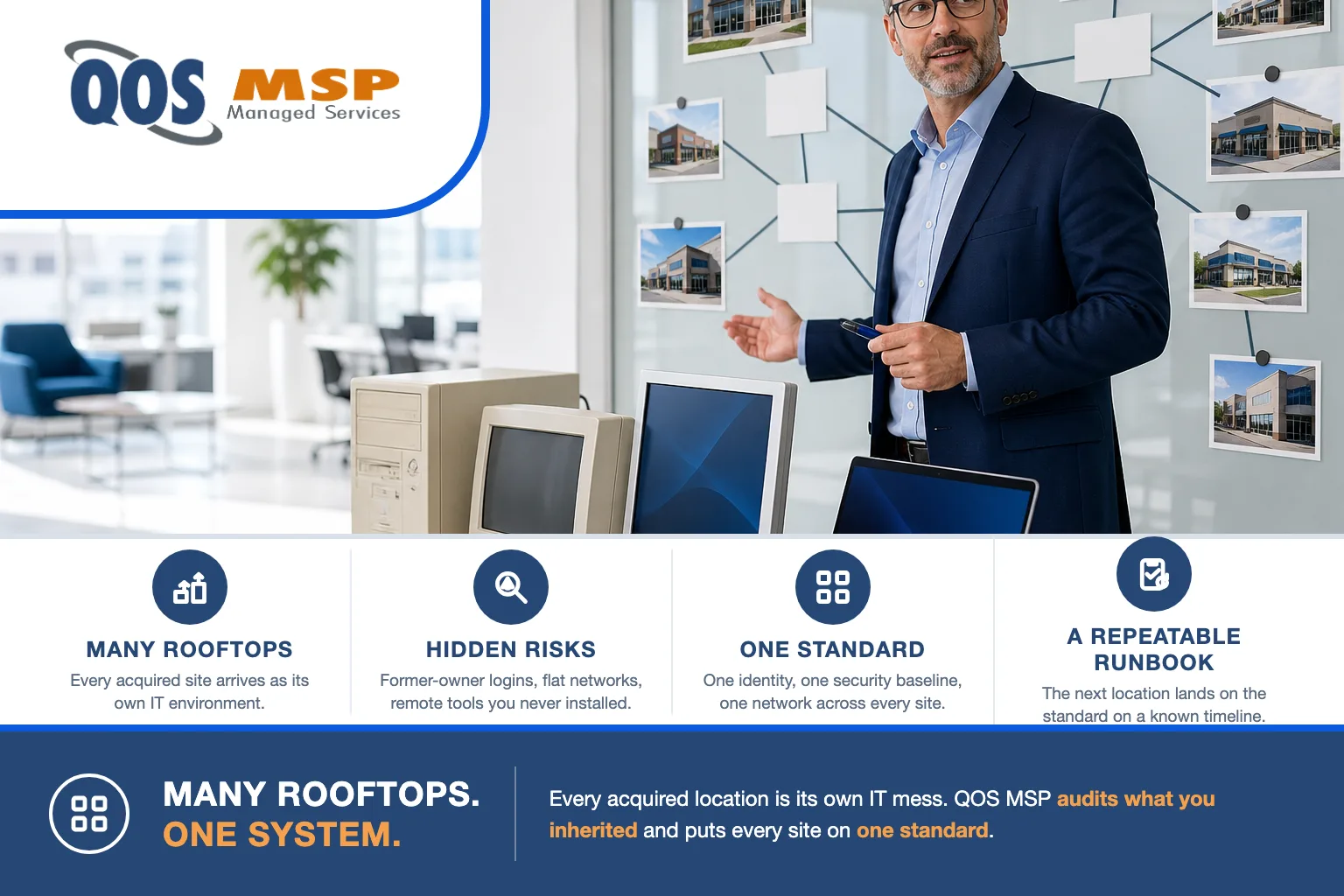
Acquired locations arrive with their own IT mess — a different vendor, a separate Microsoft 365 tenant, inconsistent MFA, a flat network, and undocumented remote-access tools. Standardizing IT across multiple locations means one identity plan, one security baseline, one network standard, and a repeatable onboarding runbook for every new site.
Why does every acquired location arrive as an IT mess?
Because nobody designed it to work together. Each location was set up by whoever ran it at the time — a local break-fix shop, a friend of the previous owner, or an office manager who did their best. Every site made its own call on email, passwords, firewalls, backups, and remote access, and none of those calls were coordinated with yours.
IT is almost never part of due diligence. You inspect the financials, the lease, and the staffing. You buy the building, the customers, and the revenue — and the technology debt rides along uninspected. The day the deal closes, you own it.
Multiply that by every rooftop and the scale of the problem is clear: you now run as many separate IT environments as you have locations. This is the reality for any multi-location or acquisitive business — multi-store auto groups, clinic networks, franchise operators, and companies rolling up branch offices all face the same inheritance.
What are you actually inheriting? The hidden-risk inventory
Before you can standardize anything, you have to see what walked in the door. The risks that hurt are the ones that are invisible on day one:
- Former-owner and former-employee accounts that are still active — email, VPN, and admin logins for people who no longer work there, sometimes for the person who just sold you the business.
- Stale or unknown admin accounts nobody can name, with full control over the domain, the firewall, or the M365 tenant.
- Inherited remote-access tools you did not install — a copy of TeamViewer, AnyDesk, or a leftover RMM agent that the old vendor still connects through, and that nobody is monitoring.
- Flat networks where the guest Wi-Fi, the point-of-sale system, the cameras, and the servers all sit on one subnet — one compromised laptop reaches everything.
- Unknown assets: devices on the network that appear on no inventory, no warranty record, and no patch schedule.
- Per-site MFA gaps — one location enforces multi-factor on email, the next has it off, and a third turned it on for admins but not staff.
None of these show up in a walkthrough. All of them are how a single acquired site becomes the entry point that reaches the rest of the group.
What does standardizing IT across multiple locations actually mean?
It does not mean identical hardware everywhere. It means every site runs on one identity plan, one security baseline, one network standard, and one asset system — so any technician can walk into any location and already know how it works. The matrix below is what “standardized” looks like layer by layer, and what to check at each acquired site.
| Layer | The standard | What to check at each acquired site |
|---|---|---|
| Identity / M365 tenant | One directory and identity plan; a documented tenant strategy; MFA enforced for every user. | How many tenants exist? Who holds global admin? Which accounts belong to people who have left? |
| Security baseline | Same endpoint protection, patching policy, and MFA rules applied everywhere; consistent logging. | What antivirus is installed? Is patching happening? Where is MFA missing? |
| Network | Segmented networks (staff, guest, payment/operations, cameras kept apart); a known firewall standard. | Is the network flat? What make and model is the firewall? Who has the admin password? |
| Endpoints | Managed, encrypted, monitored devices on a refresh cycle; a supported operating system baseline. | How old is the fleet? Are disks encrypted? Which machines are unmanaged? |
| Asset inventory | One living record of every device, license, warranty, and where it lives. | Does an inventory exist at all? Are there devices on the network that appear on no list? |
| Vendor & remote access | A known list of who can reach the environment and how; a single, monitored remote-access tool. | Which remote-access tools are installed? Which outside vendors still connect, and through what? |
What should you fix first?
Sequence matters. Consolidation is the visible, satisfying work — but it is not where you start. You start by closing the doors that are standing open:
- Kill unknown and former-owner access first. Disable every former-owner, former-employee, and unidentified admin account, and remove every remote-access tool you did not install. This is the highest-risk item and the fastest to fix.
- Turn on MFA everywhere. Multi-factor on every user, at every site, no exceptions. It is the single control that blunts the most common attack.
- Build the asset inventory. You cannot standardize or protect what you cannot see. Scan every network, document every device, and flag the ones that surprise you.
- Then consolidate. Only after the environment is safe and visible do you tackle the bigger projects — segmenting networks, aligning endpoints, and consolidating tenants.
Tenant consolidation is a planned workstream, not a week-one task. Merging separate Microsoft 365 tenants into one is a real migration — mailboxes, files, licenses, and identities all move — and it belongs on a schedule once the risk items are closed. Our managed Microsoft 365 services handle that consolidation as a deliberate project rather than a scramble.
The new-site onboarding runbook
The difference between a group that struggles with every acquisition and one that absorbs them smoothly is a repeatable onboarding runbook. Standardizing IT across multiple locations only sticks when the next location lands on the standard automatically, on a known timeline, instead of being reinvented each time.
A working runbook is a checklist every new site runs through in its first weeks: inventory the environment, disable orphaned and vendor accounts, enforce MFA, deploy the standard endpoint agent and patching policy, segment the network, fold assets into the central record, and set the tenant-consolidation date. Because it is written down, the same steps happen at site three, site eight, and site fifteen — and you can tell an acquisition team exactly how long IT integration will take before the deal even closes.
Why dealership groups are the hardest version of this
Multi-store auto groups are the toughest form of this problem, and they show why standardization is not optional. Each rooftop typically runs its own DMS and its own stack of manufacturer and vendor tools, layered on years of local decisions and heavy staff turnover. The result is vendor sprawl multiplied by every store — dozens of outside systems, each with its own logins and its own remote access.
A standardized program is also what compliance stands on. For dealers, a consistent set of controls across every rooftop is exactly what an FTC Safeguards Rule program for car dealerships requires — you cannot document one security program if every store does something different. And when a store-level system goes down, standardization is what makes recovery predictable; our dealership DMS outage continuity plan assumes the group already runs on one baseline.
The same pattern applies well beyond dealerships. Clinic networks, franchise operators, and multi-branch service businesses inherit the identical mess — different vendors, separate tenants, inconsistent security — every time they add a location.
What an MSP owns vs what stays yours
Drawing the line clearly keeps the project honest. QOS MSP standardizes and manages the layers that should be the same at every site — identity and Microsoft 365, the security baseline, the network, and the endpoints. That work lives in our system administration and security administration services, which is exactly what a multi-location group needs applied consistently across every rooftop.
What we do not touch is your line-of-business software. A dealership’s DMS, a manufacturer’s OEM portal, a clinic’s practice-management system — those are the vendor’s product, and we manage the layer they run on: the identity that logs into them, the network that reaches them, the endpoints that open them, and the backups behind them. We do not build that software, and we do not build the AI tools some vendors bundle into it. Where a project genuinely needs custom development, that is a separate QOS company we would name and route you to — never something we would quietly claim.
Frequently asked questions
Should we merge Microsoft 365 tenants after an acquisition or keep them separate?
Merge them when the acquired company now operates as one business with yours, because a single tenant gives you one identity plan, one security baseline, and far simpler administration. Keep tenants separate only as a deliberate interim step while other risks are addressed first. Either way, treat consolidation as a planned migration with a scheduled date, not an overnight switch.
What should be disabled first at a newly acquired business?
Disable former-owner and former-employee accounts, any admin accounts nobody can identify, and every remote-access tool you did not install yourself. These are the fastest wins and the highest-risk exposures, because they hand outsiders a working door into the environment on the day the deal closes.
How long does it take to standardize IT across multiple locations?
Plan on closing the urgent risk items, such as orphaned accounts and missing MFA, within 30 to 90 days. Full standardization across identity, security, network, endpoints, and consolidated tenants typically runs 6 to 18 months, sequenced deliberately so day-to-day operations at every site never stop.
Do all locations need identical hardware and software?
No. Standardization is about consistency, not sameness. The goal is one identity plan, one security baseline, and one network standard, with core systems consistent enough that a single playbook runs every site. Hardware can be refreshed on a normal cycle rather than replaced all at once.
Does standardized IT help with FTC Safeguards compliance?
Yes. The FTC Safeguards Rule expects one written information security program with consistent controls applied across the whole business. If every rooftop runs different tools and settings, you cannot document a single program. Standardizing IT across your locations is the foundation that a compliant Safeguards program is built on.
Our take
Standardizing IT across multiple locations is a program, not a project week. Done right, it runs 6 to 18 months — fast on the risk items, deliberate on the consolidations — because ripping every site onto one standard at once is how you break operations. Anyone promising to “integrate IT” in a weekend is selling you the exciting part and skipping the inventory that makes it safe.
When you do not need this: if you run a single location, or a handful of sites already sharing one tenant, one firewall standard, and one identity plan, you do not need a standardization program — you need ordinary good IT management. This work earns its keep the moment you are acquisitive or already multi-site and every new location arrives as a fresh mystery.
That is the work we do: audit what you inherited, close the risks first, and put every location on one standard with a runbook the next acquisition lands on automatically. If you are integrating a new site — or staring at several you have never fully mapped — talk to QOS MSP about a standardization plan.
